


AI-powered. Informed by best practice and research. Blazing fast and interactive.
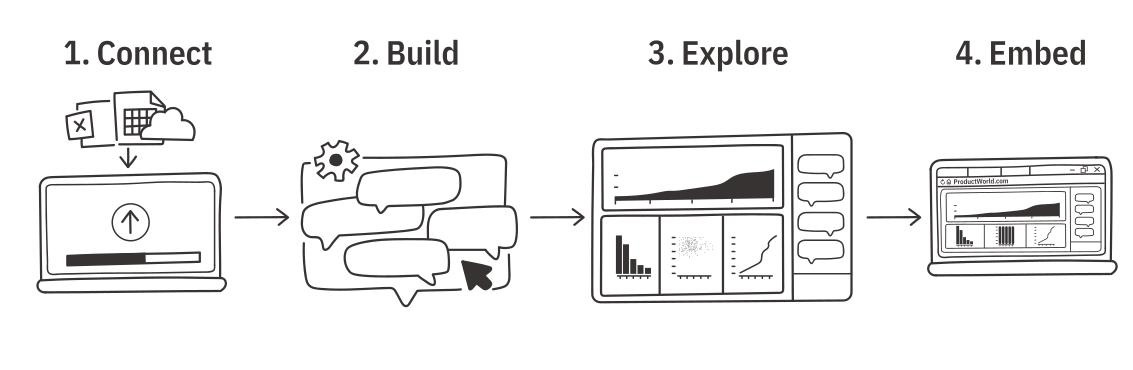
Connect to your data, then the Build Agent helps you create and edit a dashboard.
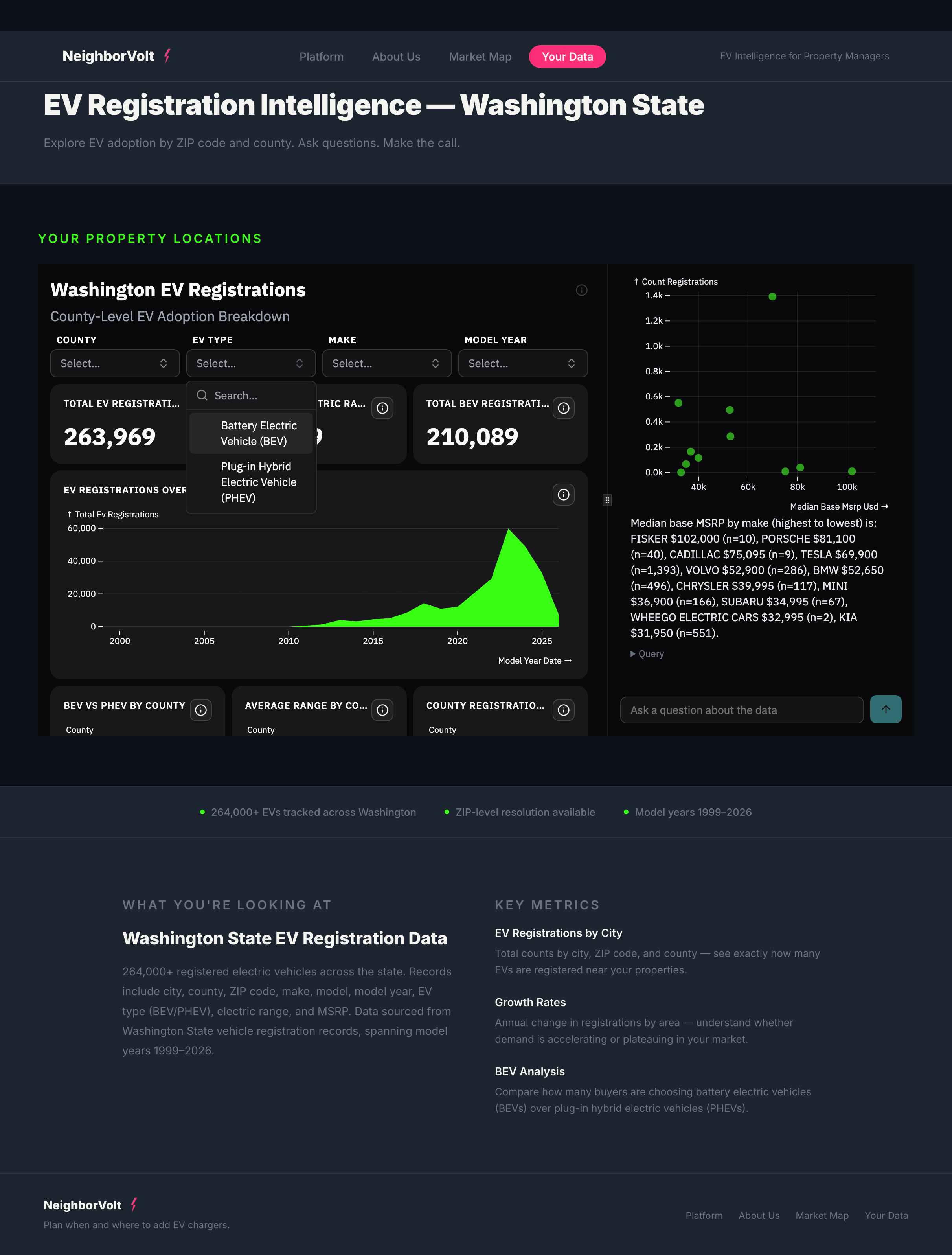
The Data Agent is available alongside every dashboard, including embedded dashboards, for any data question.
Once you connect to data, the Transform Agent supports light data preparation if needed.
.avif)
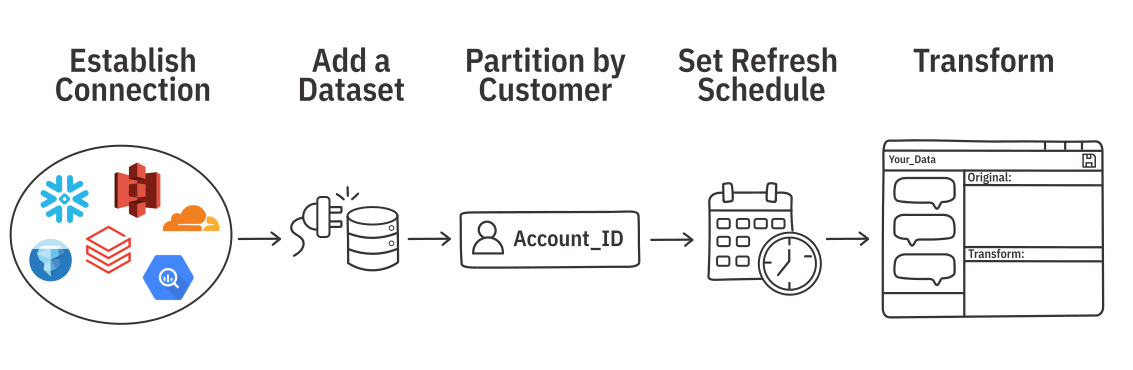
Establish a connection to databases or from blob storage (like S3 and R2) to refresh or partition data. You can also work directly from a file upload.
Ridge supports enterprise data sources including
Datasets are the data backing a dashboard and Data Agent in Ridge. Datasets can come from Connections or file uploads. Note that file uploads do not have a durable Data Connection and cannot refresh automatically.
Set a partition field in your datasets to make sure every customer sees their own slice of the data. You would typically partition on fields with unique identifiers like account_id or customer_id.
If your dataset has a Data Connection, you can set a schedule to ingest and refresh the data.
Ridge can support light transforms like type casting, applying filters, and column renaming. Ridge applies some transforms automatically. You can always see what filters were applied and change them in the Transform Agent, which is available from any dataset.


Ridge integrates with your systems:

.svg)
